 VertexModeler
Loading environment
Loading environment
Lighting & Realtime
Use one environment for believable reflections, then shape the room with openings, exposure, and practical lights.
Continue learning
 Lighting & Realtime
Balance geometry, textures, draw calls, lighting, and loading feedback for an interactive product viewer.
Read guideAn HDRI can provide coherent ambient light and reflections, but it cannot understand the architecture. Interior lighting still depends on window placement, exposure, color management, and deliberate fixtures. This handbook keeps action, mechanism, and acceptance evidence on one production path. The aim is not to memorize menus. It is to let another artist reach the same conclusion from the same inputs, identify a version boundary, locate a failure, and recover without damaging the source.
Validated in Blender 5.2.0 LTS with World Background, Environment Texture, Mapping, Film, and AgX. Blender 4.5 LTS follows the same core method with possible sampling/UI differences. “Verified” means the written condition was checked against that version, repository behavior, primary specification, or named target. It does not promise that an arbitrary third-party exporter or viewer preserves the same capability. Easy-series statements are constrained by manifests, implementation, unit tests, and Blender 5.2 smoke evidence.
An HDRI can provide coherent ambient light and reflections, but it cannot understand the architecture. Interior lighting still depends on window placement, exposure, color management, and deliberate fixtures. The deliverable is more than a good render or a file that opens once. It includes replayable steps, stage gates, diagnostic notes, a dependency inventory, and target-side evidence. Success that cannot be reproduced in a clean environment remains a possible cache or workstation artifact.
Representative input with units, dimensions, provenance, and one known failing control
An untouched high-quality source plus separate diagnostic, interchange, and delivery copies
Full Blender, Easy extension, exporter, and target-viewer version records
A writable staging root, dependency inventory, acceptance matrix, and rollback points
A neutral light rig, close diagnostic camera, and final delivery camera
Before starting HDRI Lighting for Interior Scenes in Blender, duplicate the source and hash critical inputs. Record the operating system, build, target format, viewer, and case budget together. When results diverge, that evidence separates content, tool, and environment changes instead of asking the team to reason across moving variables.
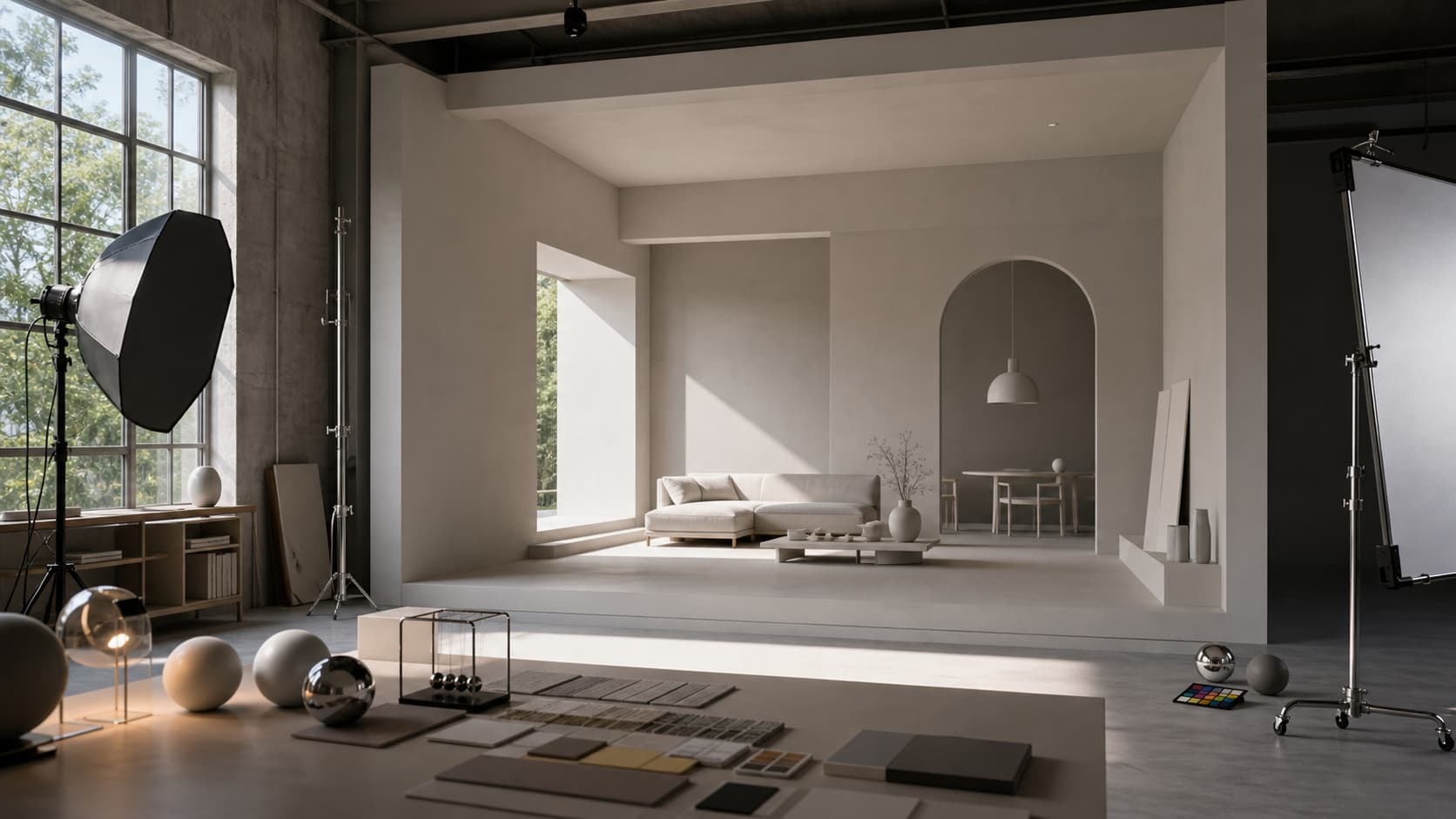
Principle 1: Choose an HDRI for light direction and dynamic range, not only appearance. Bind it to an observable signal and rollback point. A claim that only says the result “looks better,” without measurement or controlled comparison, is not a production gate.
Principle 2: Rotate the environment before increasing strength. Bind it to an observable signal and rollback point. A claim that only says the result “looks better,” without measurement or controlled comparison, is not a production gate.
Principle 3: Use exposure to place the image globally and light power to shape local areas. Bind it to an observable signal and rollback point. A claim that only says the result “looks better,” without measurement or controlled comparison, is not a production gate.
Principle 4: Keep practical fixtures physically motivated. Bind it to an observable signal and rollback point. A claim that only says the result “looks better,” without measurement or controlled comparison, is not a production gate.
Principle 5: Hide the environment from camera separately from hiding its lighting. Bind it to an observable signal and rollback point. A claim that only says the result “looks better,” without measurement or controlled comparison, is not a production gate.
Principle 6: Cache preview environments when they are shared by AI and 3D tools. Bind it to an observable signal and rollback point. A claim that only says the result “looks better,” without measurement or controlled comparison, is not a production gate.
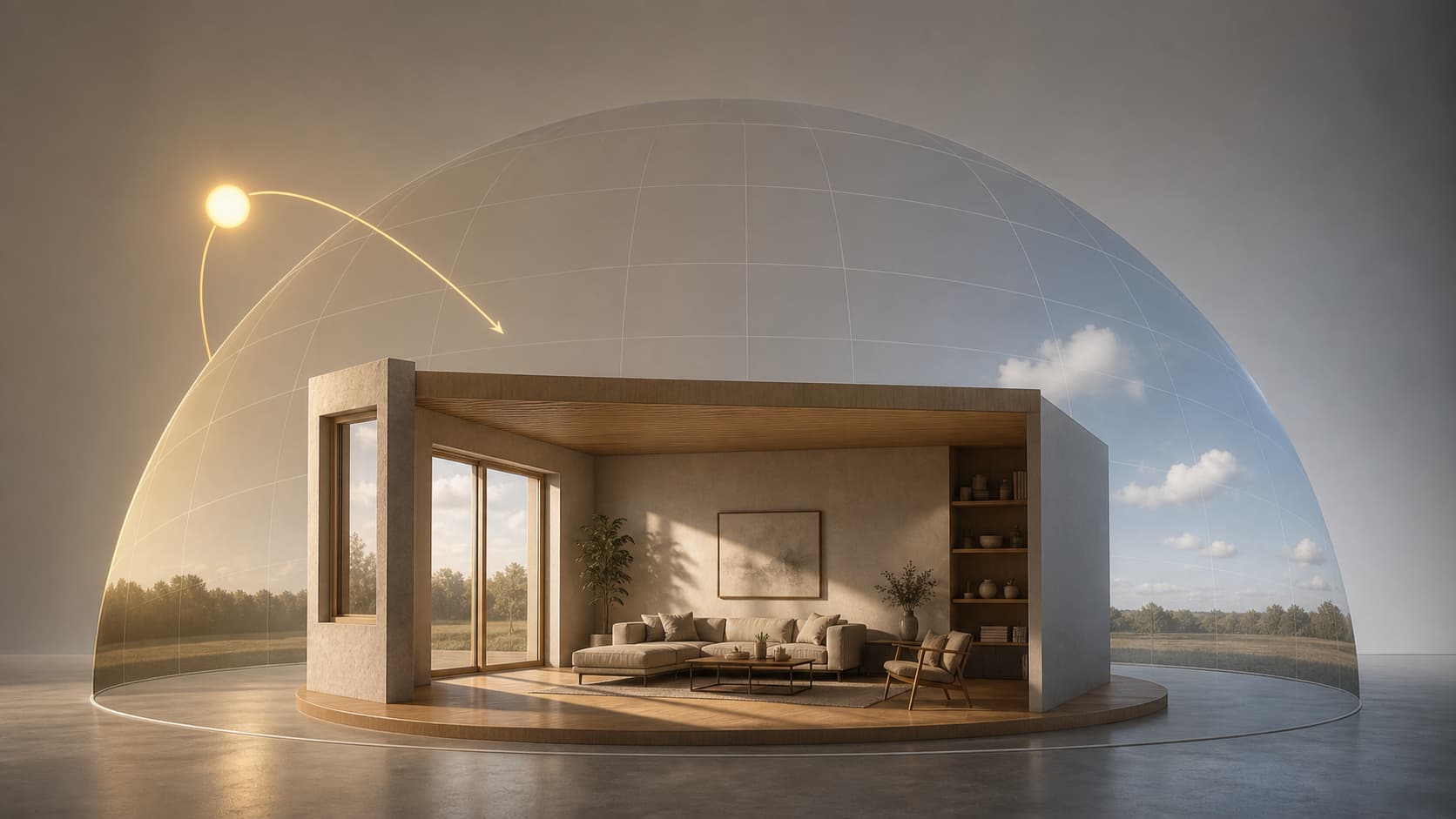
The living room has one 2.4 m west-facing opening. A late-afternoon HDRI rotates until its bright sky sector grazes the opening; exposure is calibrated on the clay shell. Warm practical fixtures stay subordinate, and a brushed-metal table tests reflection direction without making the visible background distracting. The case retains a failing control so the team can distinguish a genuinely correct workflow from a result that merely happens to work. Its values are case acceptance targets, not universal standards; a different camera, device, license, or delivery format requires a new budget.
The diagram connects the eight HDRI Lighting for Interior Scenes in Blender stages to explicit gates. Arrows describe dependencies, not a ban on iteration. When diagnosis disproves an upstream assumption, return to the earliest stage that owns that variable, correct it, and replay every dependent gate.

Action. Freeze the acceptance target: An HDRI can provide coherent ambient light and reflections, but it cannot understand the architecture. Interior lighting still depends on window placement, exposure, color management, and deliberate fixtures. Give this stage one owner and one observable output. Work on the smallest representative part first; expanding an unverified operation across the project only multiplies uncertainty. Save a checkpoint before changing topology, file paths, color interpretation, hierarchy, or exporter state.
Control the variables. The environment's dominant bright region aligns with the intended opening. The governing principle is: Choose an HDRI for light direction and dynamic range, not only appearance. In HDRI Lighting for Interior Scenes in Blender, treat it as a measurable production rule rather than general advice. Record the relevant dimension, path, data-block, material channel, object count, or target result beside the file so another artist can reproduce the decision without memory.
Understand the mechanism. Establish the input baseline before judging processing. “The environment's dominant bright region aligns with the intended opening” is the factual anchor for this stage. Compare an untouched sample with the working copy under identical conditions and attribute only the change introduced here.
Stage gate. Acceptance is Window direction matches highlights. Capture evidence appropriate to the claim: a measurement, Outliner snapshot, path inventory, neutral render, validator report, re-import, or target-viewer comparison. The known trap is: Increasing strength before rotating the HDRI makes the room bright but directionless. If the gate fails, return to the earliest stage that owns the fault instead of compensating downstream.
Action. Load a high-dynamic-range environment with a clear sun or soft overcast direction. Give this stage one owner and one observable output. Work on the smallest representative part first; expanding an unverified operation across the project only multiplies uncertainty. Save a checkpoint before changing topology, file paths, color interpretation, hierarchy, or exporter state.
Control the variables. Direction is approved on clay before material compensation. The governing principle is: Rotate the environment before increasing strength. In HDRI Lighting for Interior Scenes in Blender, treat it as a measurable production rule rather than general advice. Record the relevant dimension, path, data-block, material channel, object count, or target result beside the file so another artist can reproduce the decision without memory.
Understand the mechanism. Structure can remain wrong while the beauty view looks plausible. “Direction is approved on clay before material compensation” turns ownership into an inspectable condition. Verify it in the hierarchy, data-block graph, or directory layer before visual refinement expands the cost of correction.
Stage gate. Acceptance is Background visibility matches the UI state. Capture evidence appropriate to the claim: a measurement, Outliner snapshot, path inventory, neutral render, validator report, re-import, or target-viewer comparison. The known trap is: Displaying the environment by default can distract from product inspection. If the gate fails, return to the earliest stage that owns the fault instead of compensating downstream.
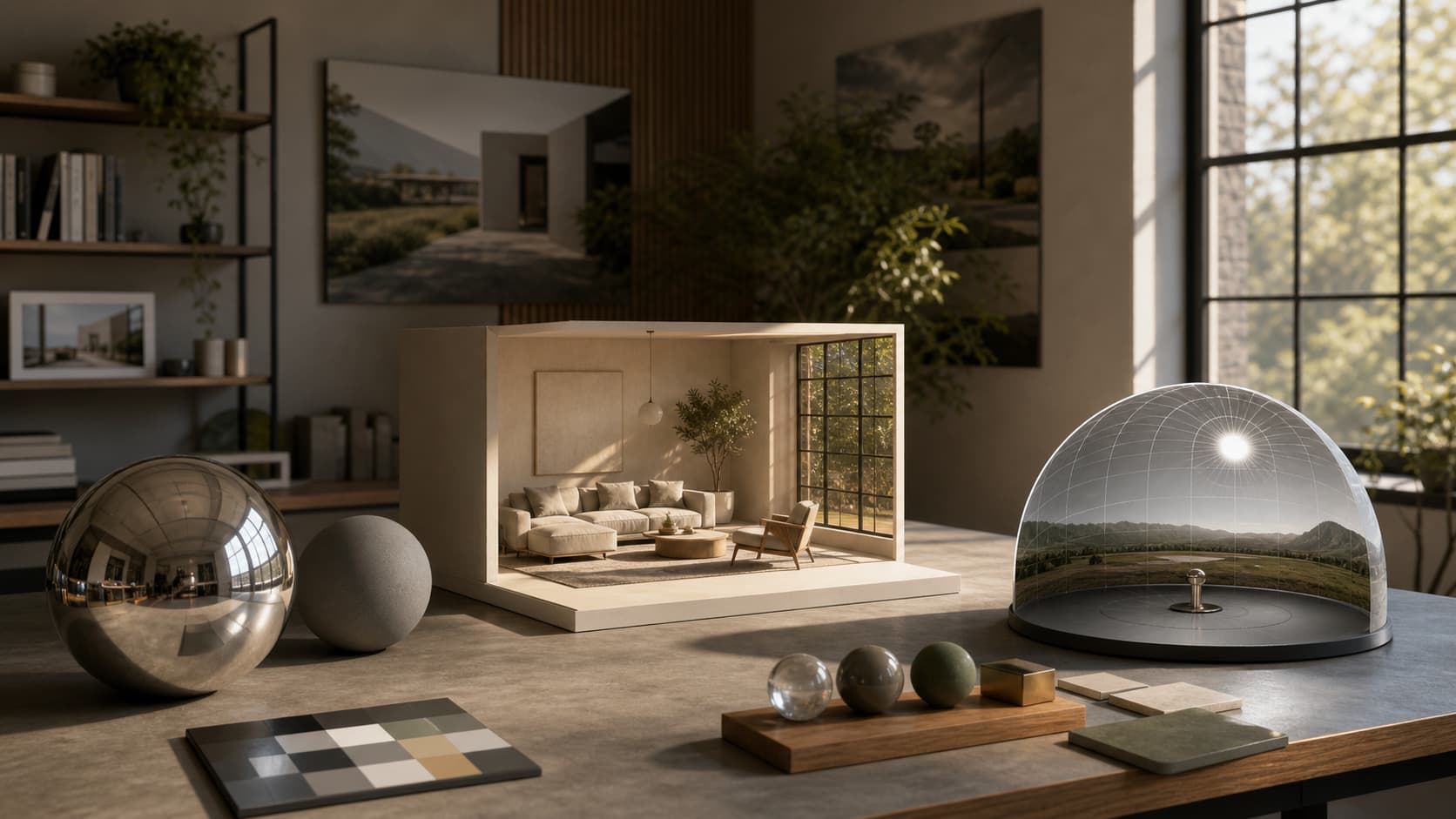
Action. Set environment visibility to the intended default; for product previews, a hidden background often gives a cleaner result. Give this stage one owner and one observable output. Work on the smallest representative part first; expanding an unverified operation across the project only multiplies uncertainty. Save a checkpoint before changing topology, file paths, color interpretation, hierarchy, or exporter state.
Control the variables. World strength and exposure are recorded as different controls. The governing principle is: Use exposure to place the image globally and light power to shape local areas. In HDRI Lighting for Interior Scenes in Blender, treat it as a measurable production rule rather than general advice. Record the relevant dimension, path, data-block, material channel, object count, or target result beside the file so another artist can reproduce the decision without memory.
Understand the mechanism. Preparation converts hidden state into recorded state. “World strength and exposure are recorded as different controls” defines the coordinate, path, or interpretation that later operations consume. Preserve before-and-after values and reproduce the premise in a clean representative sample.
Stage gate. Acceptance is No clipped window region dominates exposure. Capture evidence appropriate to the claim: a measurement, Outliner snapshot, path inventory, neutral render, validator report, re-import, or target-viewer comparison. The known trap is: A low-resolution environment produces blurry reflections. If the gate fails, return to the earliest stage that owns the fault instead of compensating downstream.
Action. Rotate the HDRI until window light and reflections support the camera composition. Give this stage one owner and one observable output. Work on the smallest representative part first; expanding an unverified operation across the project only multiplies uncertainty. Save a checkpoint before changing topology, file paths, color interpretation, hierarchy, or exporter state.
Control the variables. AgX retains highlight headroom instead of clipping the window. The governing principle is: Keep practical fixtures physically motivated. In HDRI Lighting for Interior Scenes in Blender, treat it as a measurable production rule rather than general advice. Record the relevant dimension, path, data-block, material channel, object count, or target result beside the file so another artist can reproduce the decision without memory.
Understand the mechanism. Keep the core operation single-variable. “AgX retains highlight headroom instead of clipping the window” is the only control allowed to move in this comparison; camera, exposure, caches, and unrelated branches remain fixed. A repeatable response establishes causality.
Stage gate. Acceptance is Practical lights have plausible placement. Capture evidence appropriate to the claim: a measurement, Outliner snapshot, path inventory, neutral render, validator report, re-import, or target-viewer comparison. The known trap is: Too many fill lights flatten form and hide material problems. If the gate fails, return to the earliest stage that owns the fault instead of compensating downstream.
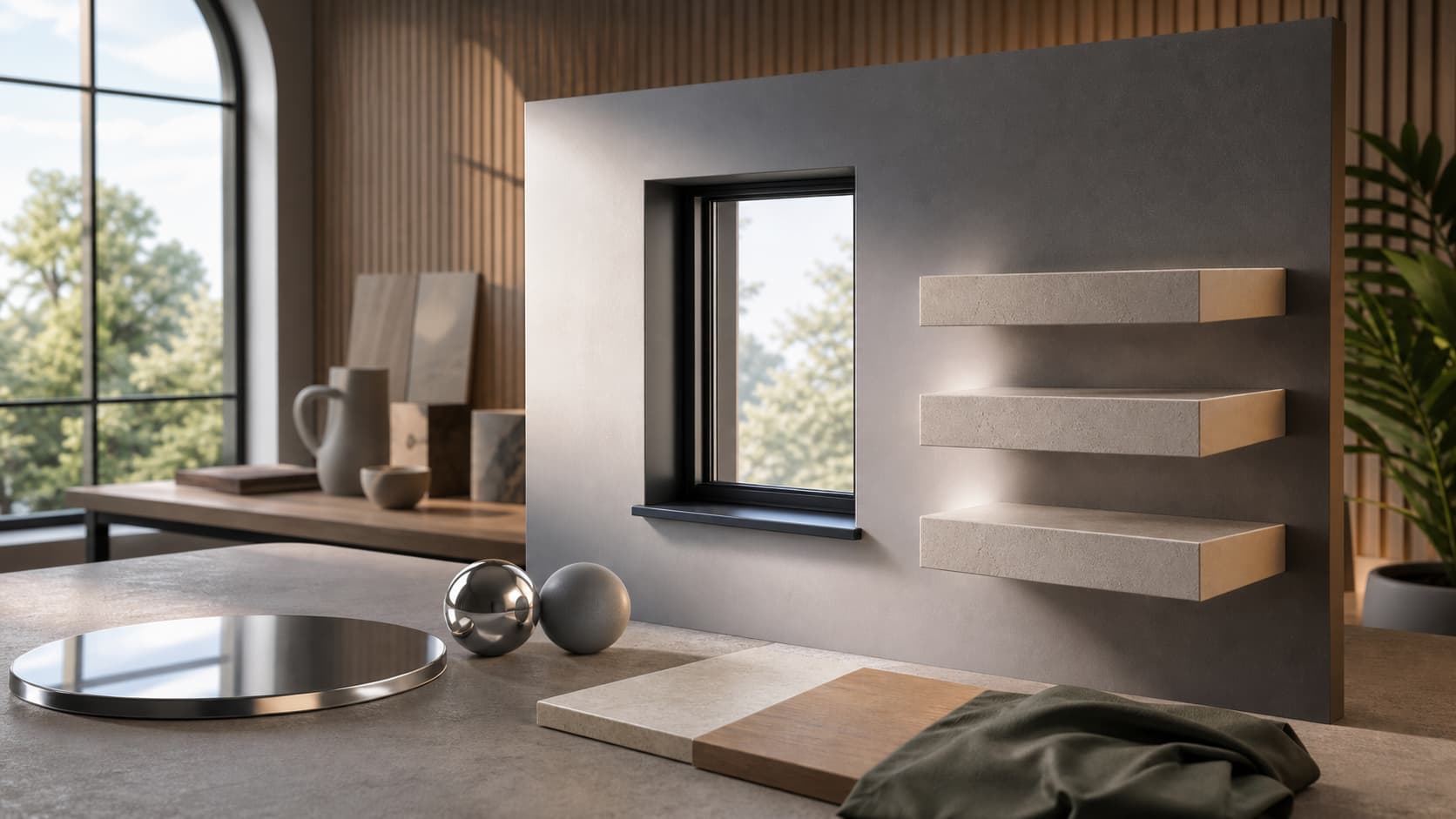
Action. Adjust scene exposure, then make modest World strength changes. Give this stage one owner and one observable output. Work on the smallest representative part first; expanding an unverified operation across the project only multiplies uncertainty. Save a checkpoint before changing topology, file paths, color interpretation, hierarchy, or exporter state.
Control the variables. Practical lights follow a readable environment/opening relationship. The governing principle is: Hide the environment from camera separately from hiding its lighting. In HDRI Lighting for Interior Scenes in Blender, treat it as a measurable production rule rather than general advice. Record the relevant dimension, path, data-block, material channel, object count, or target result beside the file so another artist can reproduce the decision without memory.
Understand the mechanism. Critical detail usually fails at boundaries rather than in a front view. Inspect “Practical lights follow a readable environment/opening relationship” close up, at a grazing angle, or across a hierarchy boundary, then compare that evidence with the approved delivery camera.
Stage gate. Acceptance is Metals read without black reflections. Capture evidence appropriate to the claim: a measurement, Outliner snapshot, path inventory, neutral render, validator report, re-import, or target-viewer comparison. The known trap is: Increasing strength before rotating the HDRI makes the room bright but directionless. If the gate fails, return to the earliest stage that owns the fault instead of compensating downstream.
Action. Add area lights or emissive fixtures only where the architectural sources justify them. Give this stage one owner and one observable output. Work on the smallest representative part first; expanding an unverified operation across the project only multiplies uncertainty. Save a checkpoint before changing topology, file paths, color interpretation, hierarchy, or exporter state.
Control the variables. Metallic test surfaces reveal inconsistent reflection direction. The governing principle is: Cache preview environments when they are shared by AI and 3D tools. In HDRI Lighting for Interior Scenes in Blender, treat it as a measurable production rule rather than general advice. Record the relevant dimension, path, data-block, material channel, object count, or target result beside the file so another artist can reproduce the decision without memory.
Understand the mechanism. A correct/error pair must share its inputs. Lock every condition except “Metallic test surfaces reveal inconsistent reflection direction” and save the same camera, exposure, and target-viewer result. The comparison then demonstrates the rule instead of two unrelated scene states.
Stage gate. Acceptance is Preview environment changes without a long blocking reload. Capture evidence appropriate to the claim: a measurement, Outliner snapshot, path inventory, neutral render, validator report, re-import, or target-viewer comparison. The known trap is: Displaying the environment by default can distract from product inspection. If the gate fails, return to the earliest stage that owns the fault instead of compensating downstream.
Action. Check direct light, reflection, shadow softness, noise, and color balance in a low-sample test. Give this stage one owner and one observable output. Work on the smallest representative part first; expanding an unverified operation across the project only multiplies uncertainty. Save a checkpoint before changing topology, file paths, color interpretation, hierarchy, or exporter state.
Control the variables. Background visibility can separate from illumination when required. The governing principle is: Choose an HDRI for light direction and dynamic range, not only appearance. In HDRI Lighting for Interior Scenes in Blender, treat it as a measurable production rule rather than general advice. Record the relevant dimension, path, data-block, material channel, object count, or target result beside the file so another artist can reproduce the decision without memory.
Understand the mechanism. Diagnosis starts at the earliest stage that owns the variable. Use “Background visibility can separate from illumination when required” as the smallest falsifiable test; if it fails, move upstream, and if it passes, restore materials, lights, modifiers, paths, and export settings one at a time.
Stage gate. Acceptance is Window direction matches highlights. Capture evidence appropriate to the claim: a measurement, Outliner snapshot, path inventory, neutral render, validator report, re-import, or target-viewer comparison. The known trap is: A low-resolution environment produces blurry reflections. If the gate fails, return to the earliest stage that owns the fault instead of compensating downstream.
Action. Run the final HDRI Lighting for Interior Scenes in Blender validation from the delivery package and archive the evidence. Give this stage one owner and one observable output. Work on the smallest representative part first; expanding an unverified operation across the project only multiplies uncertainty. Save a checkpoint before changing topology, file paths, color interpretation, hierarchy, or exporter state.
Control the variables. Final noise and color casts are judged at delivery resolution. The governing principle is: Rotate the environment before increasing strength. In HDRI Lighting for Interior Scenes in Blender, treat it as a measurable production rule rather than general advice. Record the relevant dimension, path, data-block, material channel, object count, or target result beside the file so another artist can reproduce the decision without memory.
Understand the mechanism. The final gate validates the deliverable rather than the authoring workstation. Evidence for “Final noise and color casts are judged at delivery resolution” must come from the final root, a re-imported file, or the named target while source paths, caches, and temporary copies are unavailable.
Stage gate. Acceptance is Background visibility matches the UI state. Capture evidence appropriate to the claim: a measurement, Outliner snapshot, path inventory, neutral render, validator report, re-import, or target-viewer comparison. The known trap is: Too many fill lights flatten form and hide material problems. If the gate fails, return to the earliest stage that owns the fault instead of compensating downstream.
Stage | Acceptance | Evidence |
|---|---|---|
1 | Window direction matches highlights | Reproducible evidence saved |
2 | Background visibility matches the UI state | Reproducible evidence saved |
3 | No clipped window region dominates exposure | Reproducible evidence saved |
4 | Practical lights have plausible placement | Reproducible evidence saved |
5 | Metals read without black reflections | Reproducible evidence saved |
6 | Preview environment changes without a long blocking reload | Reproducible evidence saved |
7 | Window direction matches highlights | Reproducible evidence saved |
8 | Background visibility matches the UI state | Reproducible evidence saved |
A HDRI Lighting for Interior Scenes in Blender reviewer must locate each item without asking the author and determine which source, version, and target it represents. Screenshots need diagnostic context, numbers need units, and export evidence must come from the final package rather than a temporary directory.
The HDRI Lighting for Interior Scenes in Blender method follows an “earliest responsible stage” rule. Scale errors are not camera problems, origin errors should not require a manual offset on every placement, color-space errors should not be disguised with lighting, and unsupported shader graphs should not be left for a viewer to guess. Reducing a symptom to one variable minimizes repair and regression scope.
For HDRI Lighting for Interior Scenes in Blender, assets still need distinct authoring, interchange, and delivery states. The authoring state preserves editability. The interchange state narrows expression to what the target understands. The delivery state optimizes size, dependencies, and device constraints. Distinct copies prevent portability work from permanently degrading the master.
Failure 1: Increasing strength before rotating the HDRI makes the room bright but directionless. Reproduce the smallest failure, disable unrelated lights, shader branches, modifiers, caches, or external paths, and change one condition. Save a same-camera, same-exposure, same-target comparison before accepting the explanation.
Failure 2: Displaying the environment by default can distract from product inspection. Reproduce the smallest failure, disable unrelated lights, shader branches, modifiers, caches, or external paths, and change one condition. Save a same-camera, same-exposure, same-target comparison before accepting the explanation.
Failure 3: A low-resolution environment produces blurry reflections. Reproduce the smallest failure, disable unrelated lights, shader branches, modifiers, caches, or external paths, and change one condition. Save a same-camera, same-exposure, same-target comparison before accepting the explanation.
Failure 4: Too many fill lights flatten form and hide material problems. Reproduce the smallest failure, disable unrelated lights, shader branches, modifiers, caches, or external paths, and change one condition. Save a same-camera, same-exposure, same-target comparison before accepting the explanation.
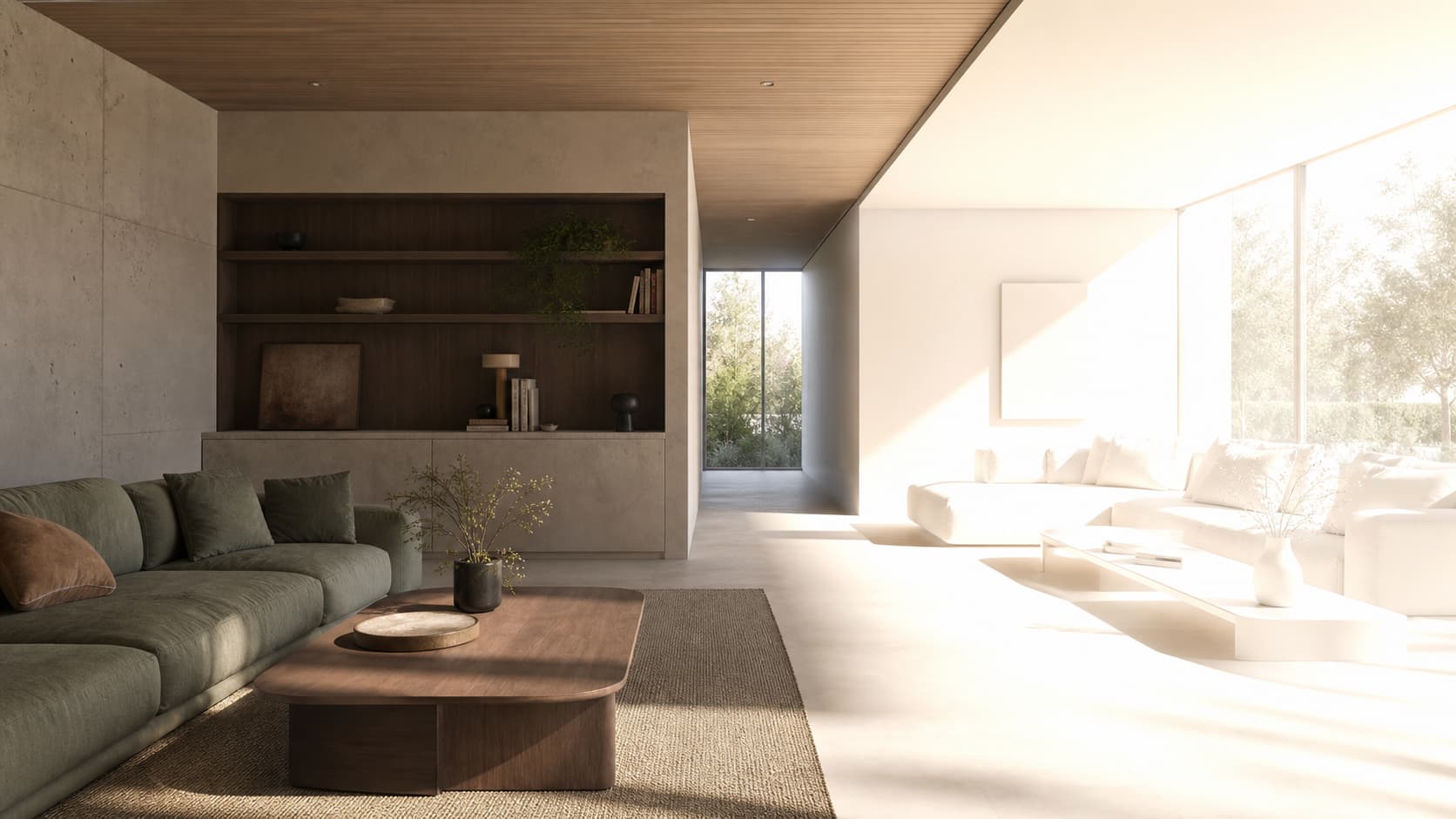
Symptom | Most likely cause | Minimum test | Correction |
|---|---|---|---|
Increasing strength before rotating the HDRI makes the room bright but directionless. | Choose an HDRI for light direction and dynamic range, not only appearance. | Window direction matches highlights | Load a high-dynamic-range environment with a clear sun or soft overcast direction. |
Displaying the environment by default can distract from product inspection. | Rotate the environment before increasing strength. | Background visibility matches the UI state | Set environment visibility to the intended default; for product previews, a hidden background often gives a cleaner result. |
A low-resolution environment produces blurry reflections. | Use exposure to place the image globally and light power to shape local areas. | No clipped window region dominates exposure | Rotate the HDRI until window light and reflections support the camera composition. |
Too many fill lights flatten form and hide material problems. | Keep practical fixtures physically motivated. | Practical lights have plausible placement | Adjust scene exposure, then make modest World strength changes. |

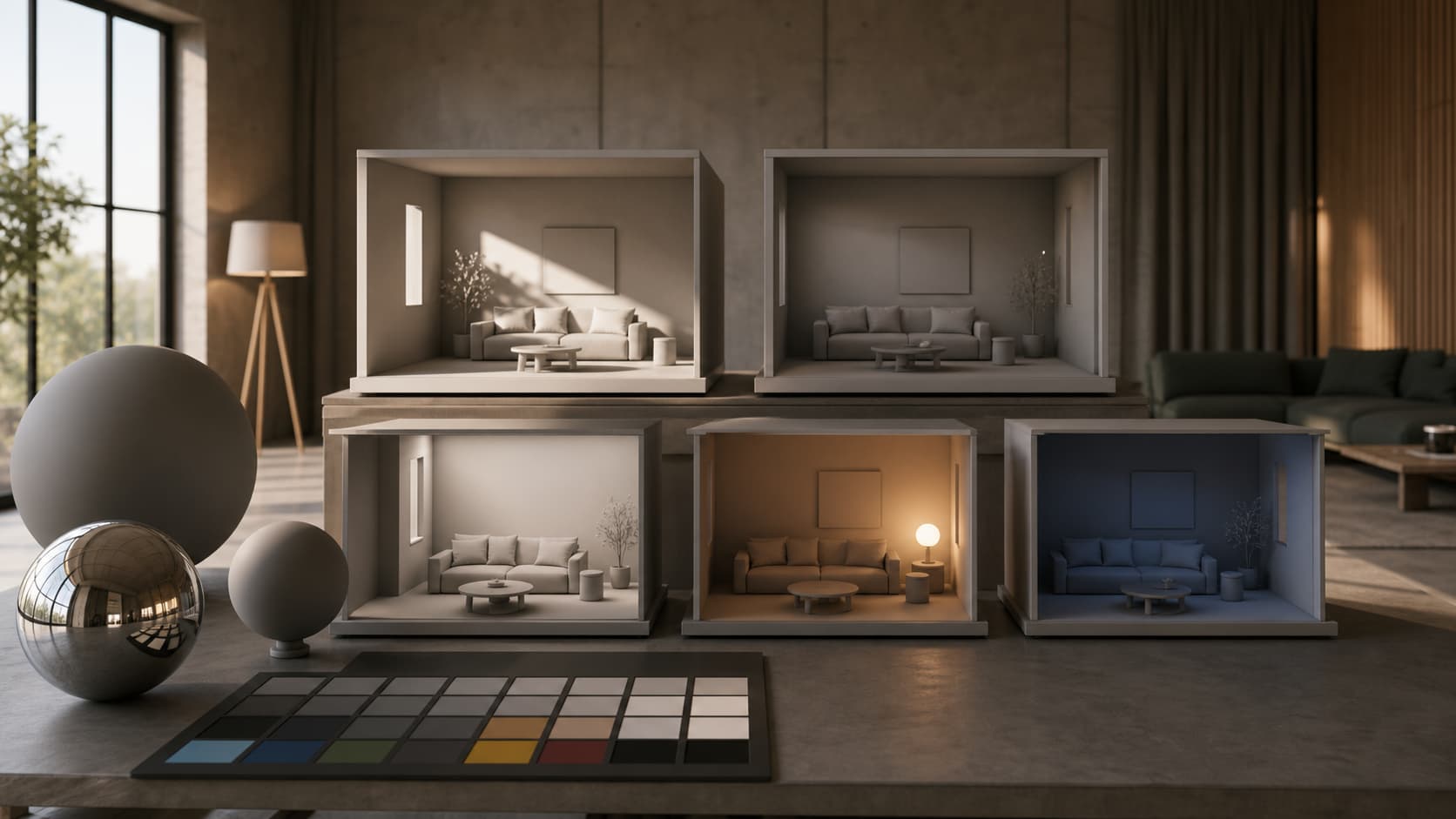
Diagnose HDRI Lighting for Interior Scenes in Blender in this order: inputs, structure, transforms, mapping, shading, export boundary, and target. A minimum test that changes several variables is not falsifiable; reduce it. After repair, replay the critical path because local viewport success does not prove packaging, re-import, or the target viewer remains correct.
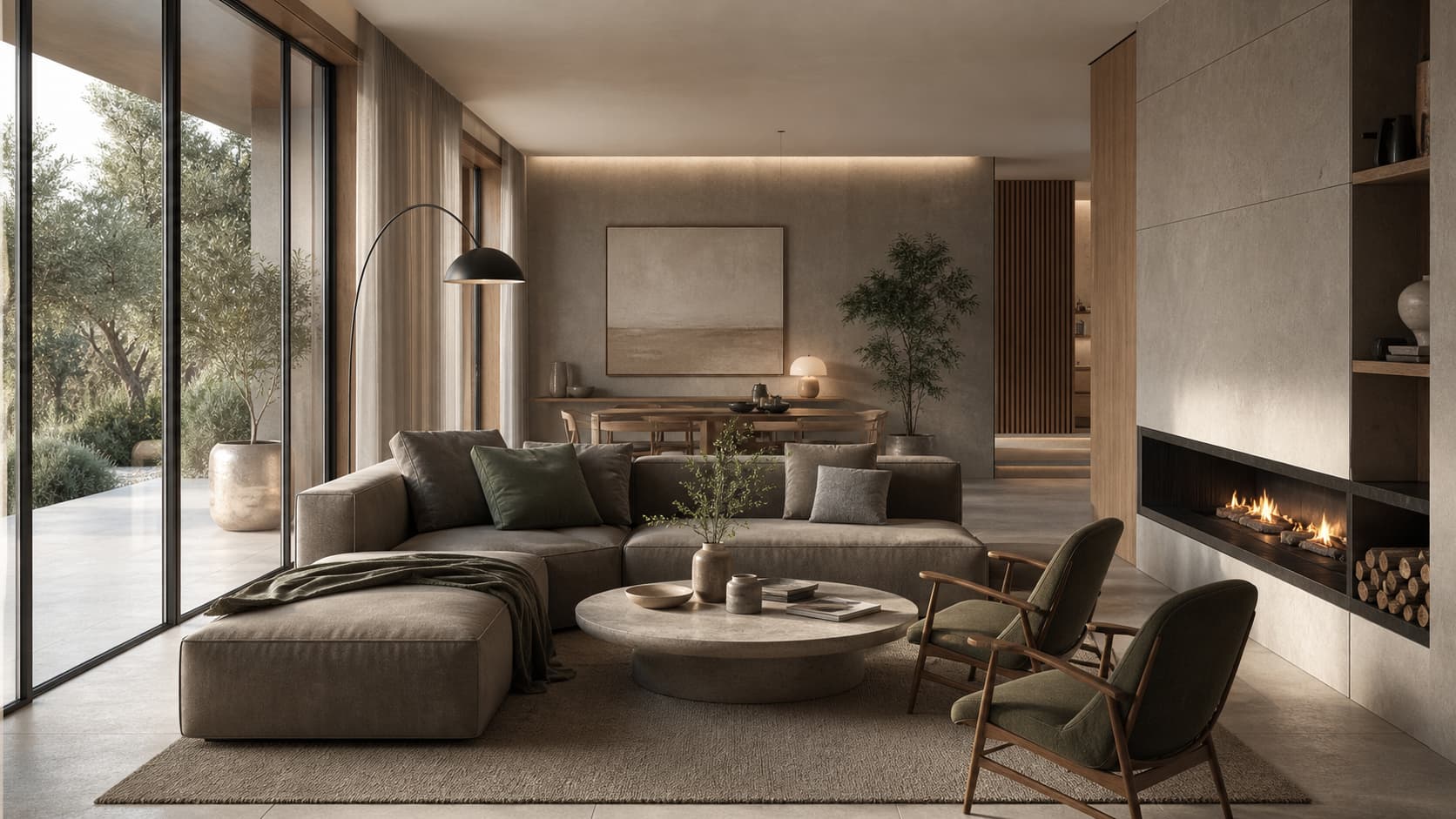
Validate the exact HDRI Lighting for Interior Scenes in Blender file from the delivery directory while the original source path is unavailable. Record byte size, SHA-256, object and material counts, missing-dependency scan, re-import result, and target-viewer result. Interactive targets also require loading, console, and stable-frame evidence; asset libraries require drag, save, close, and reopen.
Untouched source and clearly named delivery copy
Blender, Easy extension, exporter, and target-viewer versions
Scale, transform, origin, hierarchy, material-slot, normal, and dependency checks
Reopen or re-import evidence executed from the final package
Target screenshots, validator output, file checksums, and known limitations
A delivery root containing only intentional files, without caches, backups, or helpers
These primary sources define the factual boundary for HDRI Lighting for Interior Scenes in Blender. Blender operations point to the 5.2 manual, format guarantees point to specifications, and Easy behavior is constrained to repository version and smoke evidence.
Related tools & assets
 MODEL / FREEMetal
Add a product description.
 MODEL / PAIDChisel PBR Game Asset
A PBR process supports chisel assets with 6 LOD grading Good wiring \ high-quality textures
 MODEL / FREEKeyboard IQUNIX
A Blender 4.2+ model of an IQUNIX mechanical keyboard with gray, white, and green keycaps, delivered as a .blend file for Cycles and Eevee.